How this product is used
six steps, from a document to results

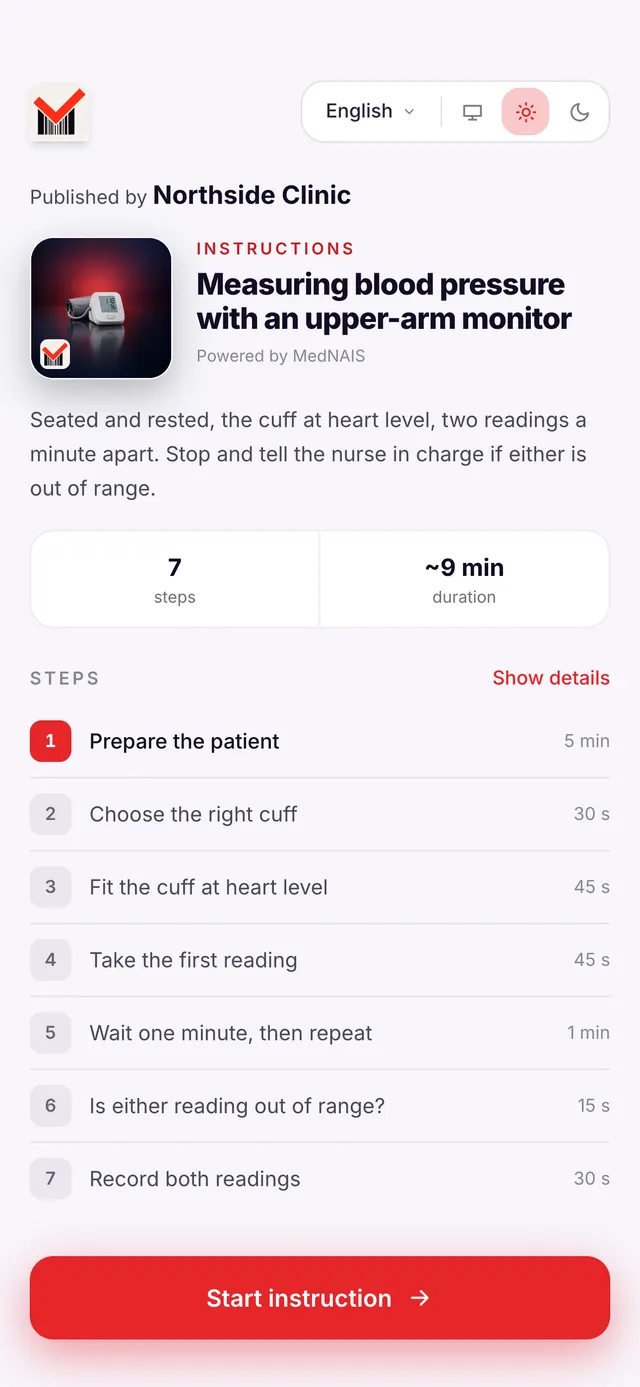
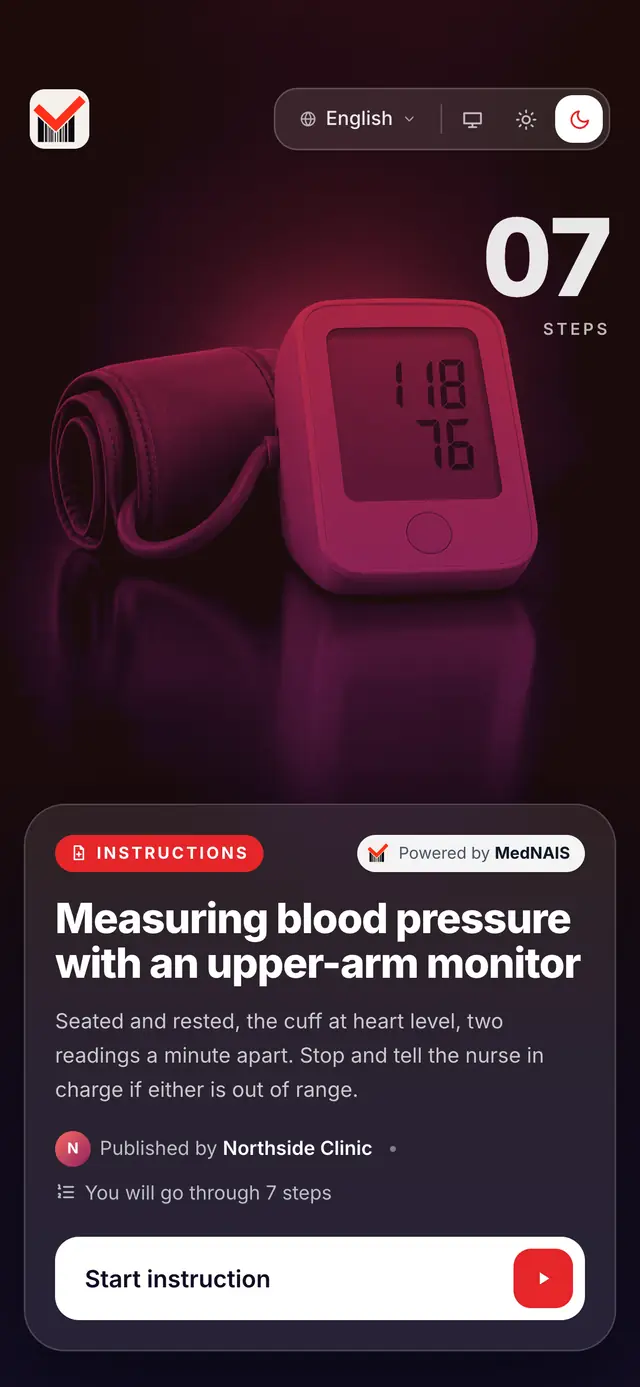
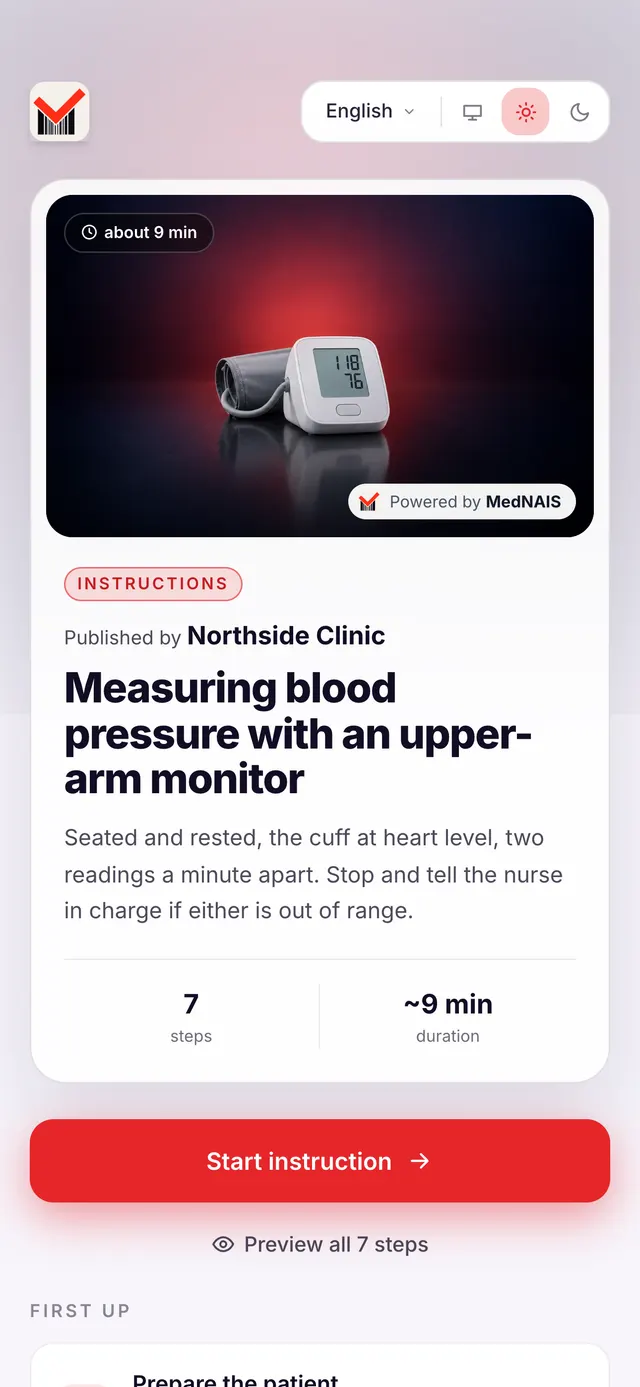
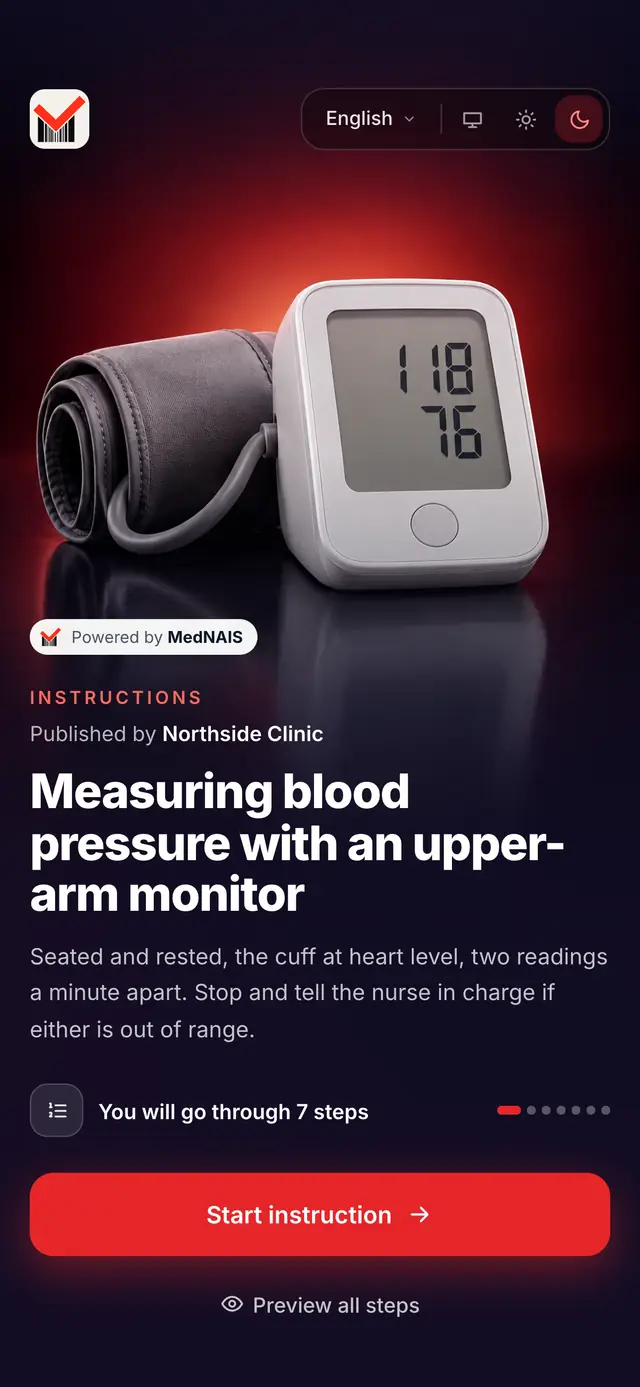
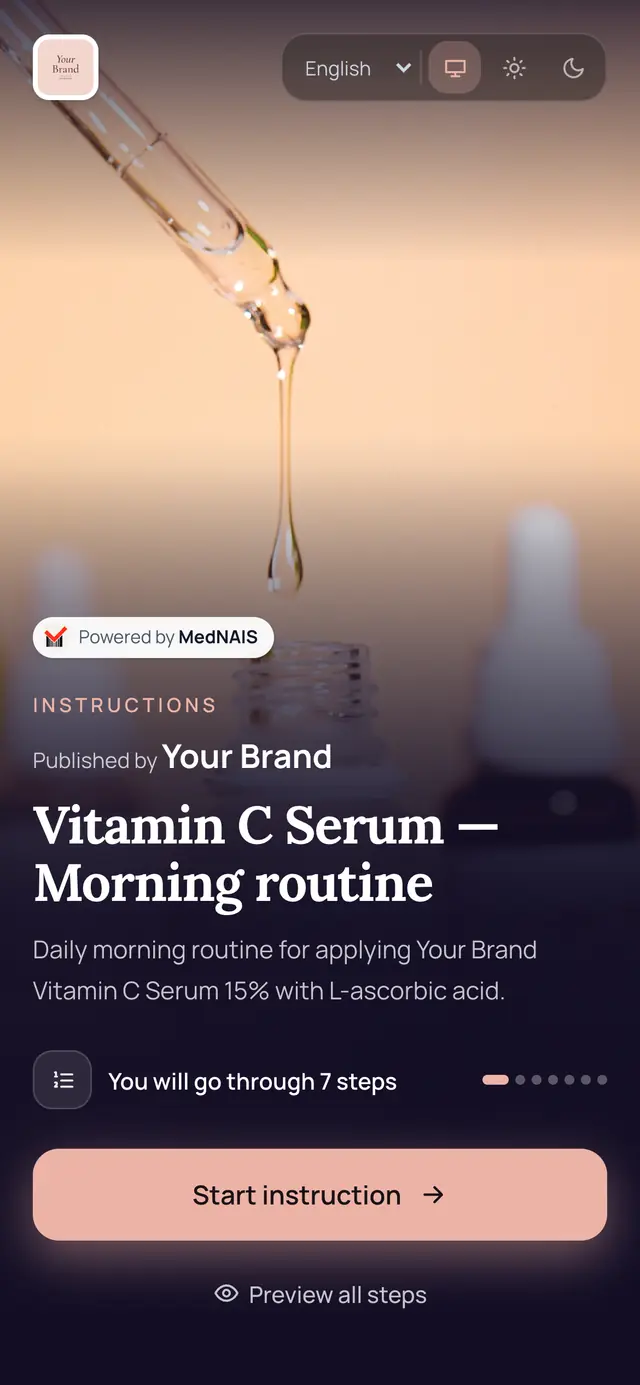
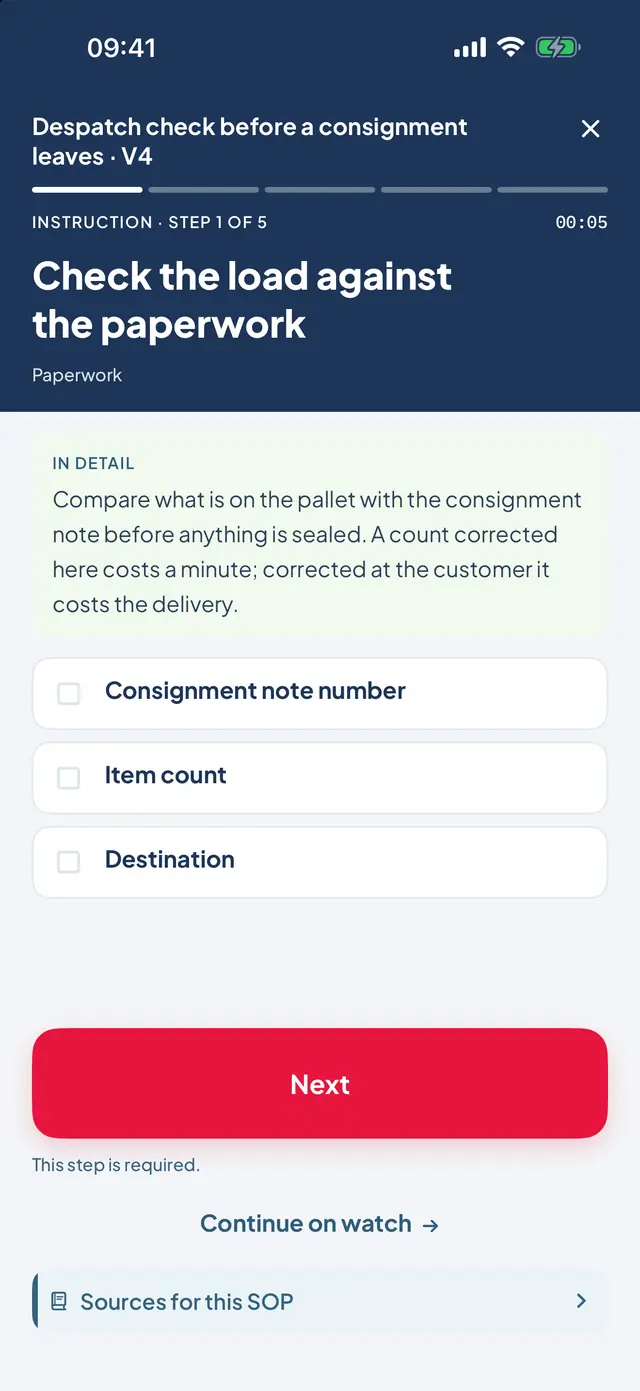
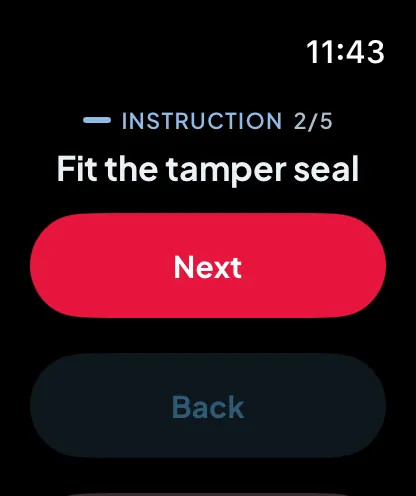
Your team follows SOPs on a phone or a watch. Anyone holding your product opens a public one from a QR code, in the browser.
EducateAssistMonitor efficiency
Watch one SOP being performedCreate from a document
Upload a document, photos or a link. MedNAIS turns it into a draft, step by step.
Check the steps
A draft is never ready by itself. Someone qualified reads it in full and approves it.
Choose the look
A style for the start page and the steps, light or dark, in your colours.
Publish and share
A published version is locked. For a public SOP, download the QR code to print on the box or the leaflet.
People follow it on a phone or a watch
Your team in the app, one step at a time. Whoever scans the QR follows it in the browser, with nothing to install.
See the results
Who performed which version and how long each step took — live, in History and in Analytics.
More detail
Private SOPs · Your own people
You write an SOP, your team performs it on a phone or a watch, and you see who did what and how long each step took.
Write the SOP
An author writes the steps in the console: the full text for a phone or tablet, and one short line for a watch. An SOP can be started from a document you upload, and what comes back is a draft. Reading and performing an SOP needs no special rights — writing one needs the author role or above, so a member cannot edit a draft.
Publish a version
A publisher releases it, and at that moment the version stops being editable: its steps, their text, the documents it cites and its KPI definitions are all frozen. Correcting something later makes a new version instead, so a run recorded last month can still be read against the exact text that was performed.
Bring your people in
An administrator creates an invitation and passes it on themselves — either a link, or a short code that can be read out over the phone. There is no directory of organisations and no way to find one and ask to join it, so nobody arrives that an administrator did not send for.
They perform it where the work is
The full step on a phone or a tablet; the short line on a watch, for when the phone is out of your hands. A step that needs the camera is handed back to the phone, because a watch has none.
You see what was done
Every run records which published version was performed, by whom, in what order, and how long each step took. Runs still going are on the live board, finished ones are in the history, and the history can be exported.
A draft is never ready by itself. If an SOP was generated from a document, somebody qualified in the work it describes has to read it in full and approve it before anybody performs it or works to it. The product will not publish a version by itself, and it does not check anybody's text for you.
Public SOPs · People you will never meetWeb only
This way of working lives entirely in a web browser. No app is involved at any point in it: the phone and watch clients cannot open a public SOP, and the reader is never asked to install anything.
Publish an SOP publicly
A publisher opens one of your SOPs and marks it public. You give an address readers can write to with questions about the instructions, and that address is shown to them on the page.
Take the code, the link and the QR
The console mints a short code, shows the link it resolves to, and draws the QR code for that link. The QR downloads as a file you can hand to whoever prints your packaging, so it stays sharp at whatever size it is printed.
Put it on the product
On the packaging, on a label, on the leaflet in the box. That printed code is the only place the SOP is findable at all.
Whoever scans it simply starts
The code opens the instructions in their browser. No sign-in, no account and nothing to install. They work through the steps the way your own people do.
You see each reader's run
One row for every reader who started, with a number in the place where a name would be, and how long they spent on each step. Nobody is identified, so the same person starting again on another phone is a second row rather than the same one.
One code, one SOP, one language
A code carries a single SOP in the language it was written in. Selling the same product into several countries means writing the SOP in each language and taking a code for each — and printing the right code on the right box.
There is no catalogue and no search
A public SOP is reachable by its printed link and by nothing else. It is not listed anywhere in the product, there is nowhere for a reader to browse or search for one, and the page is kept out of search engines.
If the year is not renewed
The printed codes keep answering for five more days. After that the page still opens, and it shows what the SOP was called and who published it, and says the instructions are not currently available — a reader is never told anything about your account. The console shows you the date the codes stop answering well before it arrives.
What it costs
An organisation that has bought nothing can hold 2 SOPs, and there is nothing to renew. It can have 2 people in it at no charge, and licences add to that number rather than replacing it. It can keep 1 SOP published for anyone to read, free of charge, and withdrawing it frees the place again. The free plan covers 1 shared organisation that you create yourself, and a licence takes that cap away.
Above the free allowance, a licence is bought per person, once, for the year. Buying licences only ever adds: anything the organisation could do on the free allowance it can still do after paying. A personal account is only ever you, so there is nobody in it to license — SOPs cost the same nothing there, and licences belong to a shared organisation.
What the product does not do
Three things that are easy to assume from everything above. None of them exists today, and each is here so that nobody promises it to a customer.
It does not translate your SOPs
The console itself speaks six languages, and that is the interface around your text. The steps you write stay in the language you wrote them in — in the console, on a watch, and behind a printed code. An SOP in another language is an SOP somebody writes in that language.
The phone and watch apps do not open public SOPs
That is a decision rather than something missing: a code printed on a box has to work for somebody who will never install an application, so the public way of working is the browser and only the browser.
It does not measure one person against another
Each run is recorded on its own, and a period can be compared with the recent record kept here. There is no screen anywhere that puts two people's step times side by side, and nothing here scores, ranks or passes judgement on anybody.
If you want to try it
Nothing here needs an account. Writing an SOP of your own does, and there is no separate registration for it: you give a work e-mail address, a code that works once arrives there, and you land in a personal account of your own, which nobody else is ever in.